
Touchstone Nexus
FHIR testing your whole team can start in minutes.
Touchstone, re-imagined. Answer a few questions, pick your server, and run exactly the tests you need. Testers do not need to be FHIR experts to get it right.
Request a demo
From “where do I start?” to testing like an expert
Find it
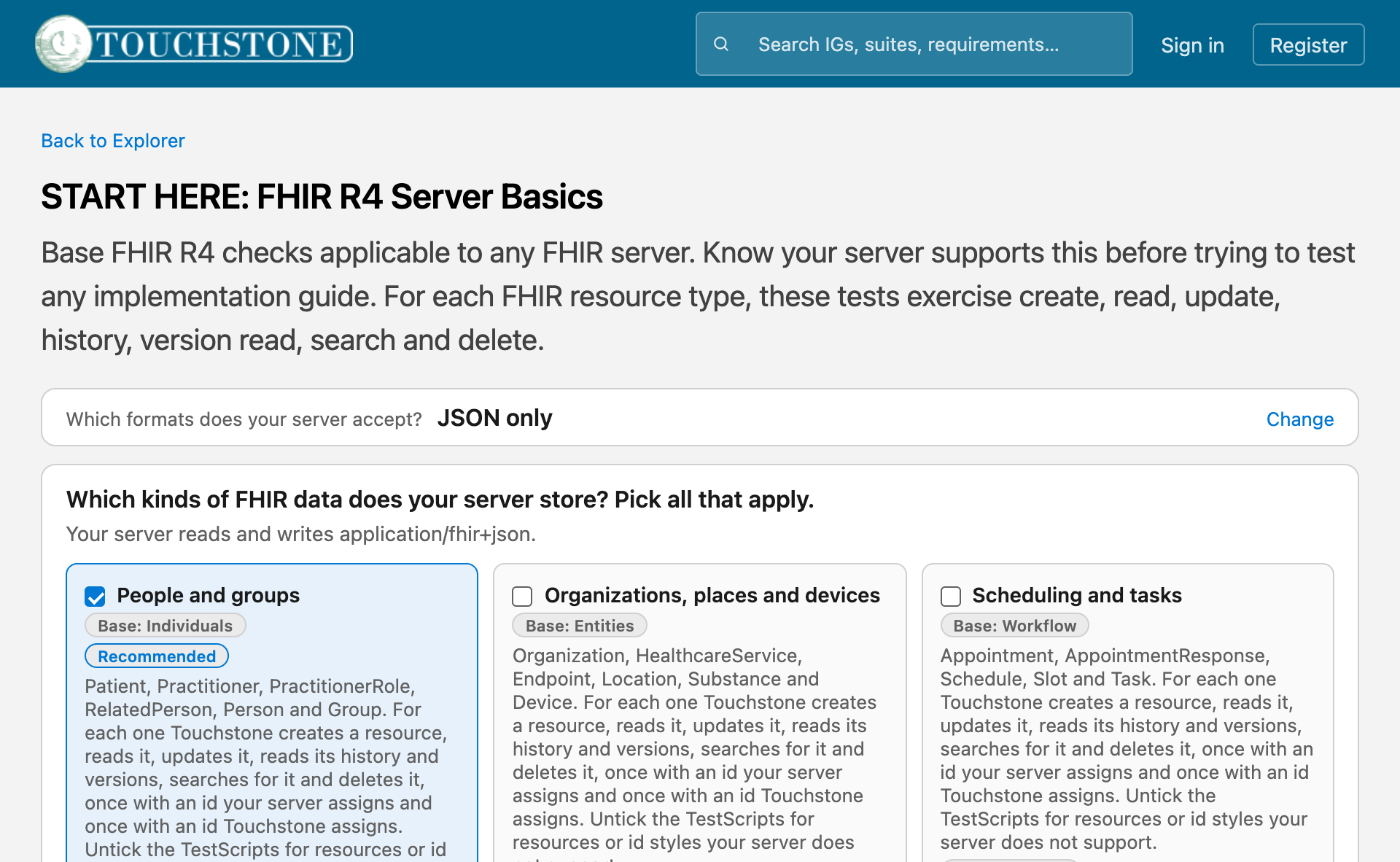
Open Explorer and pick the START HERE card. Or type in one search box that covers guides, requirements, test suites and test scripts.


Get guidance
Answer a few simple questions about your application. Nexus picks the tests that fit, so no one has to guess which ones apply.
Run it
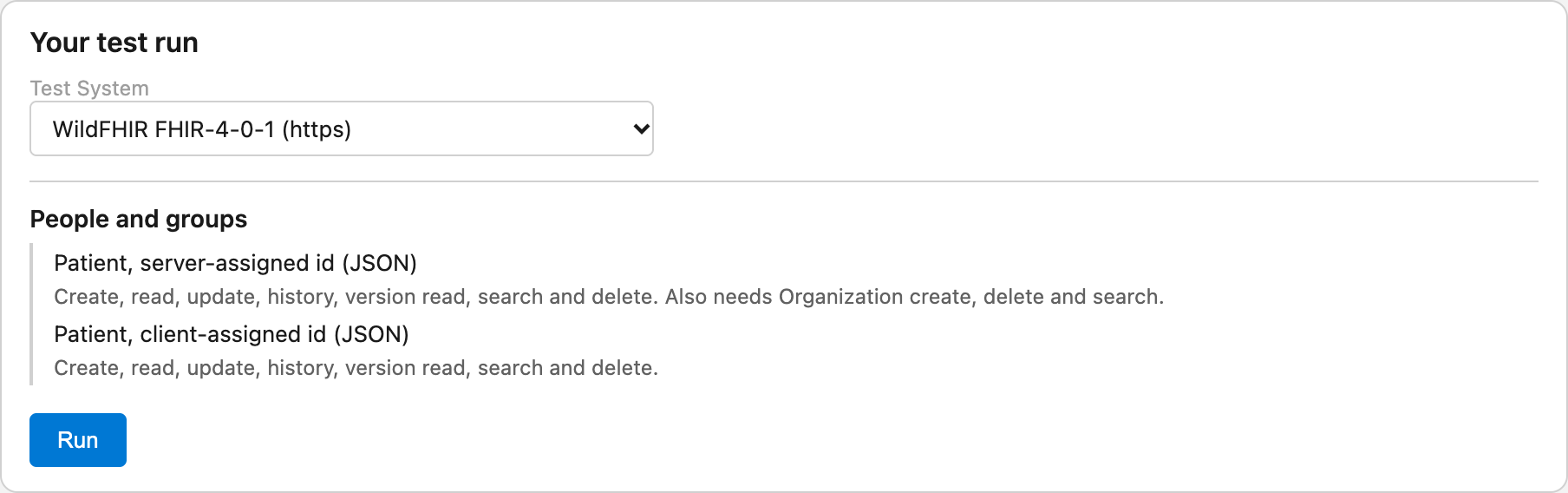
Pick your server to test, then click Run.
Share it
One click shares the test setup with your whole team.

Automate it
Everything you click, your pipeline can call.
Nexus is built API-first. Your build pipeline can start test runs, watch their progress and read the results on every change.
Run Nexus on your own servers.
Deploy Touchstone Nexus inside your own network, under your control.
See Touchstone Nexus for yourself
Book a discovery call with the AEGIS team and walk through Nexus with your own testing goals in mind.
Request a demo